
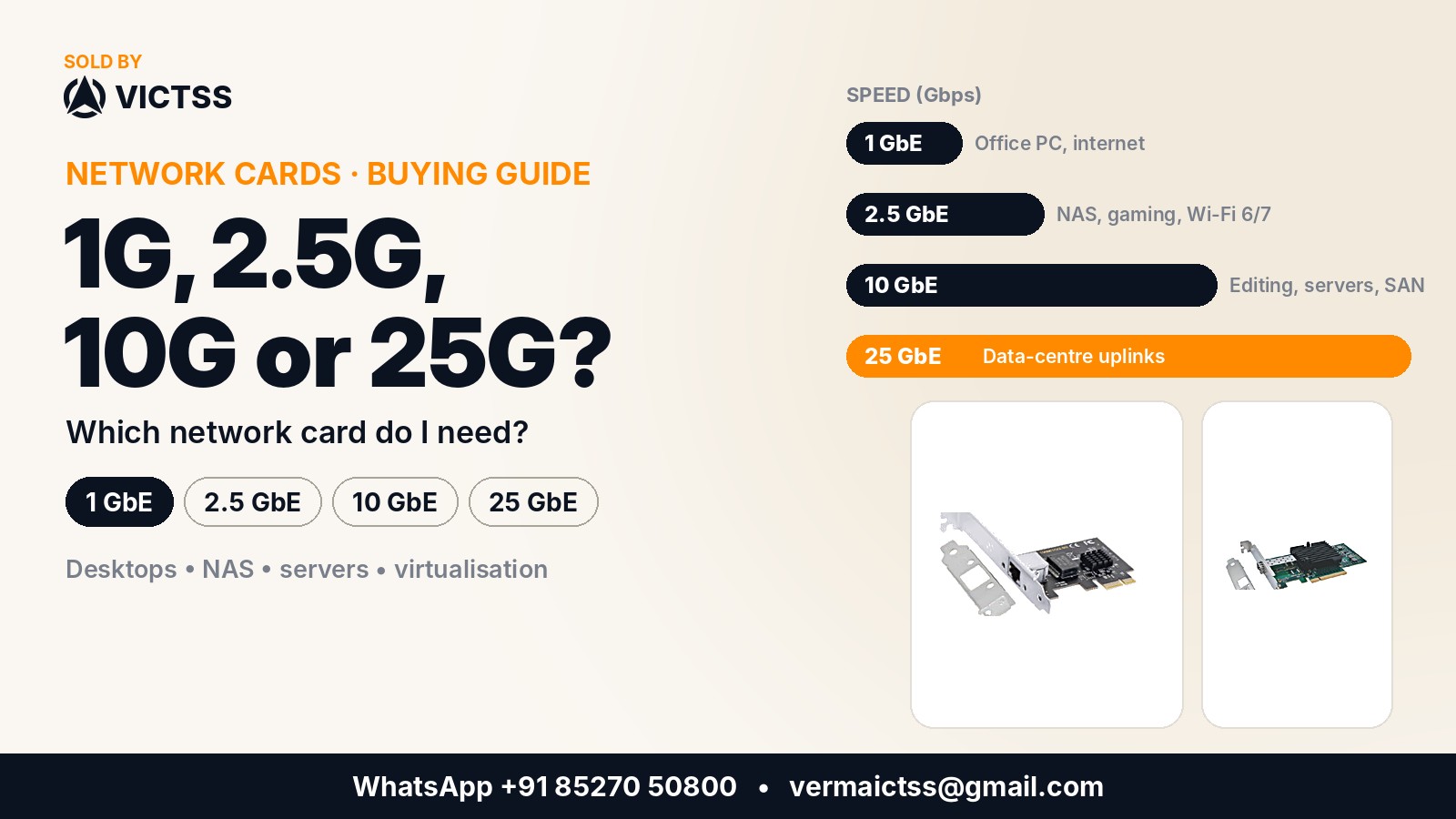
Network cards come in four common speeds: 1G, 2.5G, 10G and 25G. Buying more speed than you need wastes money, and buying too little leaves your NAS, server or editing PC waiting. This guide explains which speed fits which job, what cable or module each one needs, and which slot it goes in.
Quick answer
- 1 GbE (Gigabit): office PCs, internet, billing and CCTV clients. Works on almost any network.
- 2.5 GbE: home or office NAS, gaming PCs, and networks with Wi-Fi 6/7 or 2.5G switches. Runs on your existing Cat5e / Cat6 cable.
- 10 GbE: video editing over the network, file servers, virtualisation hosts and SAN / NAS storage.
- 25 GbE: data-centre and server uplinks to 25G switches.
1 Gigabit (1 GbE): everyday wired connection
The right choice when a PC's built-in LAN port has failed, when you need a second network (for example a separate CCTV or office LAN), or when an older PC needs a faster, steadier wired link than Wi-Fi.
- Single port: ER3011 (Realtek RTL8111F) or ER3030 (Intel i210-T1)
- Two ports: ER3013H or ER3028 (Intel i350-T2)
- Four ports for firewalls, routers and servers: ER3029 (Intel i350-T4)
- Older PCs with PCI slots only: ER1061 PCI Gigabit card
- Laptops: USB 3.0 to Gigabit LAN or USB-C to Gigabit LAN adapters
2.5 Gigabit (2.5 GbE): the easy upgrade
2.5G gives about 2.5 times Gigabit speed over the same Cat5e / Cat6 cable, so it is the simplest upgrade when your NAS, switch or router already has 2.5G ports. Large file copies and backups finish much faster.
- Single port: ER3019B (Realtek RTL8125B)
- Two ports: ER3205 (Intel i226)
- Four ports: ER3204 (Intel i225)
10 Gigabit (10 GbE): RJ45 copper or SFP+
10G is for people who move large files all day: video editors working from a NAS, file and database servers, and virtualisation hosts. There are two types:
- RJ45 (copper): uses Cat6A cable and plugs into 10G RJ45 switches. Example: ER3023 (Marvell AQC107, PCIe x4) or dual-port ER3025 (Intel X540).
- SFP+: takes SFP+ optical modules for long fibre runs, or DAC cables inside a rack. Modules and DAC cables are not included unless mentioned. Example: ER3017 (Intel 82599) or dual-port ER3033 (Intel X520-DA2).
25 Gigabit (25 GbE): server and data-centre uplinks
For servers connecting to 25G switches, high-traffic storage and virtualisation clusters: ER3301 dual-port 25GbE SFP28 (Intel XXV710). It needs a PCIe x8 slot and SFP28 modules or DAC cables.
Check your slot before you buy
- Cards marked PCIe x1 fit any PCIe slot (x1, x4, x8 or x16).
- PCIe x4 and x8 cards need a slot of that size or larger.
- PCI cards fit only the older, longer PCI slot found in old PCs.
- The other end of the cable needs a matching speed: a 2.5G card on a Gigabit switch runs at Gigabit.
Watch the 40-second guide
See the quick video version: Which network card do you need? (VICTSS on YouTube).
Not sure? Ask us
Send your motherboard or server model, operating system and what you want to connect on WhatsApp +91 85270 50800, and we will suggest the right card. Bulk and wholesale orders welcome. VICTSS, Som Bazaar Road, Rajapuri, New Delhi – 110059. Pan-India supply.