
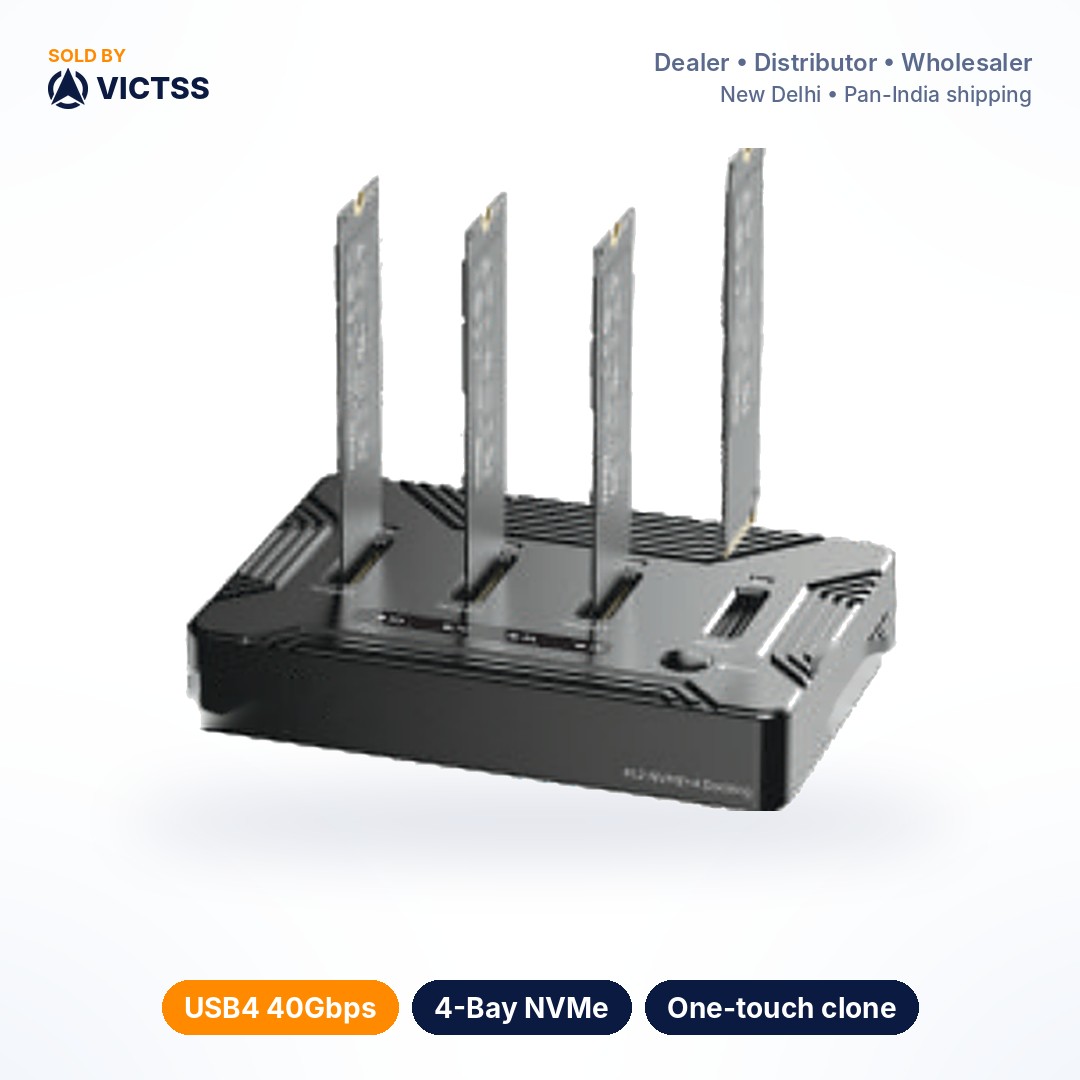
A repair shop, 7:40 PM. The customer's laptop is slow and needs a new SSD, but all the old data has to move across. Copying it through a PC can take hours, and every drive type needs a different adapter: 3.5" and 2.5" SATA, M.2 SATA and M.2 NVMe.
Watch the 1-minute video: https://youtube.com/shorts/nFnwmuEt094
What a clone dock does
Put the old drive (source) and the new drive (target) in the dock and press the one-touch clone button to copy the whole drive. The same dock also works as fast external storage when connected to a computer by USB.
Important: cloning overwrites everything on the target drive. Back up the target drive first if it has anything you need.
Which dock to choose
- ER1218DS – Dual-Bay SATA HDD / SSD Dock (₹4,299): 2.5" and 3.5" SATA, USB 3.0 5Gbps, one-touch clone.
- ER1225SDSA – 2-Bay M.2 SATA SSD Dock (₹6,299): USB 3.2 Gen2 10Gbps, one-touch clone.
- ER1260N – 2-Bay M.2 NVMe SSD Dock (₹12,999): USB 3.2 Gen2x2 20Gbps, one-touch clone.
- ER1259N – USB4 4-Bay M.2 NVMe SSD Dock (₹28,999): USB4 40Gbps, four NVMe bays, one-touch clone.
- ER1258SN – 4-Bay M.2 NVMe + SATA Dock (₹15,999): USB 3.2 Gen2 10Gbps, takes both NVMe and SATA M.2 drives.
Where it is used
- Laptop SSD upgrades
- Full-drive backup before a repair
- Data recovery from old drives
- CCTV / DVR hard disk checks
- Bulk OS imaging
- Photo and video archives
- Repair and refurbishing shops
- Fast external storage
Order or ask a question
Order online at shop.victss.com or send your requirement on WhatsApp +91 85270 50800. Bulk and wholesale orders are welcome, and delivery is free on every order. VICTSS, Som Bazaar Road, Rajapuri, New Delhi – 110059.